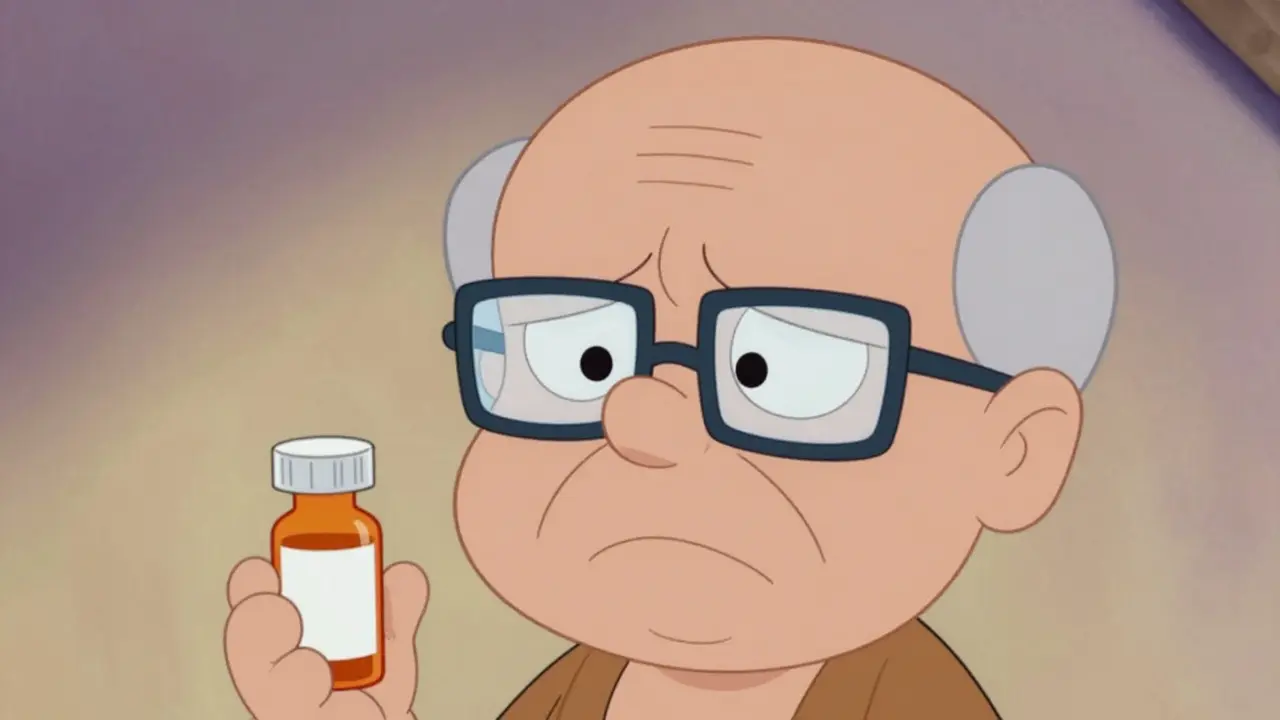
You pick up your new medication from the pharmacy. The bottle feels familiar in your hand, but when you look at the label, the text is a blur. It’s tiny, cramped, and impossible to read without squinting until your eyes water. You hesitate. Do you take this pill? When? How much?
If you have low vision, this moment happens more often than it should. It isn’t just an inconvenience; it is a safety risk. Taking the wrong dose or missing a critical instruction can lead to serious health complications. Fortunately, you are not alone in this struggle, and there are solutions designed specifically to make reading medication information safe and simple.
Accessible prescription labels are no longer a niche request. They are a standard part of healthcare safety for millions of people. Whether you need larger text, audio instructions, or tactile braille, pharmacies have tools to help you manage your medications independently. This guide explains what options exist, how to get them, and why they matter for your daily health.
The Legal Right to Read Your Medication
Many people assume that if a pharmacy doesn’t offer large print labels, it’s simply because they haven’t thought of it. In reality, federal law requires pharmacies to provide accessible labeling options. The FDA Safety and Innovation Act, enacted in 2012, formally mandated accessibility requirements for prescription drug container labels. This legislation established the legal foundation for ensuring that patients with visual impairments can access critical health information.
Before this act, standards were inconsistent. Now, major pharmacy chains like CVS, Walgreens, and Walmart are required to offer accessible formats. The Department of Justice has clarified that failing to provide these labels can violate Title III of the Americans with Disabilities Act. In 2022 alone, there were formal complaints and settlements related to non-compliance, signaling that regulators are taking this seriously.
Knowing your rights changes the conversation. You don’t need to ask for permission; you are entitled to a label you can use. If a pharmacist says they can’t help, remind them that providing accessible labels is a compliance requirement, not just a courtesy.
Types of Accessible Prescription Labels
There isn’t one single solution for low vision. Different people have different needs based on their level of impairment, tech comfort, and personal preference. Here are the three main categories of accessible labels available today:
- Large Print Labels: These use enlarged text, typically 18-point font or larger, in high-contrast black on white backgrounds. They are the most common request and require no special technology to read.
- Audible Labels (ScripTalk): Systems like ScripTalk use RFID technology. You tap your phone or a dedicated reader against the bottle, and it speaks the dosage instructions aloud. This is ideal for those who cannot read print even with magnification.
- Braille Labels: Tactile labels embossed with braille characters. While only about 10% of visually impaired individuals read braille, it remains a vital option for blind patients who prefer touch over audio.
Some pharmacies also offer hybrid solutions. For example, UK HealthCare’s ScriptAbility service provides labels that include QR codes. Scanning the code with a smartphone opens an audio file of the prescription details. This bridges the gap between traditional print and digital accessibility.
| Feature | Large Print | ScripTalk (Audio) | Braille |
|---|---|---|---|
| Technology Required | None | Smartphone or Reader Device | None |
| Best For | Mild to Moderate Low Vision | Severe Low Vision / Blindness | Blindness (Braille Literate) |
| Speed of Access | Instant Visual | Tap-and-Listen | Tactile Reading |
| Availability | Widespread | Major Chains (CVS, Walgreens) | Limited / Special Order |
Technical Standards That Make Labels Readable
Not all "large print" labels are created equal. A label might be big, but if the font is thin or the contrast is poor, it’s still hard to read. Experts have defined specific technical standards to ensure readability.
The American Foundation for the Blind (AFB) recommends a minimum 18-point font size. However, because standard prescription bottles are small, pharmacies often use a "duplicate label" approach. They print the full information on a separate, larger sticker or sheet that fits inside the bag or attaches securely to the bottle.
Font choice matters too. Sans-serif fonts like Arial, Verdana, or APHontTM are preferred. These fonts lack the decorative feet found in serif fonts, making letters distinct and easier to distinguish for low-vision readers. The background must be non-glare and durable, with saturated black text on a white background for maximum contrast.
Layout plays a role as well. Research shows that left-justified text with consistent spacing improves reading speed. Some studies indicate that large print labels reduce reading time by 3 to 8 seconds compared to standard labels. That might sound like a small difference, but when you’re managing multiple medications daily, those seconds add up to less frustration and fewer errors.
How to Request Accessible Labels at Your Pharmacy
Getting these labels set up is straightforward, but you usually have to initiate the process. Pharmacies do not automatically apply large print labels unless you specify it in your profile. Here is how to start:
- Contact Your Pharmacist Directly: Call or visit your local pharmacy. Ask to speak to the pharmacist or pharmacy manager. Say clearly: "I have low vision and need my prescription labels to be printed in large print or converted to an audible format."
- Specify Your Preference: Let them know if you want large print stickers, ScripTalk audio capability, or braille. If you aren’t sure, ask them to demonstrate the options available at that location.
- Update Your Patient Profile: Ensure this request is noted in your permanent patient profile. This way, every future refill will come with the correct label format without you having to repeat the request.
- Ask About Compatibility: If you choose an audio system like ScripTalk, check if your current smartphone model supports the app or if you need a dedicated reader device. Most modern iPhones and Android phones work seamlessly.
If your independent pharmacy struggles to accommodate you, consider switching to a major chain like CVS or Walgreens. These organizations have invested heavily in accessibility infrastructure. For instance, CVS announced a $15 million investment to expand ScripTalk to all its US locations, driven by the demand for safer medication management.
The Impact on Medication Safety and Independence
Why go through the trouble of changing your labels? Because inaccessible labels are a leading cause of medication errors among older adults and those with visual impairments. Without clear instructions, patients may take the wrong medication, the wrong amount, or at the wrong time.
A study published in the National Center for Biotechnology Information found that accessible labels significantly improve reading speed and accuracy. More importantly, user feedback highlights the emotional benefit. On community forums, users report that large print labels reduced their anxiety about making mistakes. One user shared that since switching to 18-point Arial labels, they stopped taking the wrong pills twice a week, describing the change as "life-changing."
Independence is key. Relying on family members or caregivers to read every label can feel burdensome. Accessible labels restore your ability to manage your own health confidently. Data from the American Council of the Blind shows that 82% of visually impaired users reported improved medication adherence after accessing large print or audible labels.
Future Trends in Prescription Accessibility
The landscape of accessible labeling is evolving rapidly. As technology advances, so do the tools available to patients. The FDA’s 2023 draft guidance proposes expanding accessible labeling requirements to include electronic prescriptions and patient portals, with mandatory implementation expected by 2026. This means you’ll soon be able to access readable medication info directly through your pharmacy’s online app.
AI-powered solutions are also emerging. Apps like Be My Eyes now integrate with pharmacy systems, connecting visually impaired users with sighted volunteers via video call to read labels in real-time. While this isn’t a replacement for physical labels, it serves as a helpful backup for urgent questions.
Market growth reflects this shift. The global accessible healthcare labeling market is projected to reach $5.7 billion by 2027. This investment signals that industry leaders recognize accessibility as a core component of patient care, not an afterthought.
Do I have to pay extra for large print prescription labels?
No, you should not have to pay extra. Under the FDA Safety and Innovation Act and ADA guidelines, pharmacies are required to provide accessible labeling options at no additional cost to the patient. If a pharmacy tries to charge you for large print or braille labels, contact your state’s board of pharmacy or the Department of Justice.
What is ScripTalk and how does it work?
ScripTalk is an audible prescription label system used by major pharmacies like CVS and Walgreens. It uses RFID technology embedded in the label. You download the ScripTalk app on your smartphone, then tap your phone against the prescription bottle. The app reads the medication name, dosage, and instructions aloud to you. It works offline once the data is downloaded.
Can I get large print labels at any pharmacy?
Most major chain pharmacies (CVS, Walgreens, Walmart, Rite Aid) offer large print and audible labels. Independent pharmacies may vary. Some smaller shops may not have the specialized printers or software for braille or audio, but they are legally required to find a reasonable accommodation, such as printing a large separate sheet. Always call ahead to confirm capabilities.
Is braille labeling widely available?
Braille labeling is less common than large print or audio options. Only about 10% of visually impaired individuals read braille, so many pharmacies do not keep braille printers on-site. However, they can often order braille labels upon request. If you rely on braille, inform your pharmacist early so they can source the appropriate equipment or partner with a specialty lab.
What font size is best for low vision labels?
The American Foundation for the Blind recommends a minimum of 18-point font. Many experts suggest 24-point for better readability. The font should be sans-serif (like Arial or Verdana) and printed in high-contrast black ink on a matte, non-glare white background to prevent reflections that hinder vision.